Why Is an APK Not Installing on Android?
Sometimes an APK file downloads without any problem, but Android still refuses to install it. You may see an error message, the installation may stop, or nothing may happen when you tap the file.
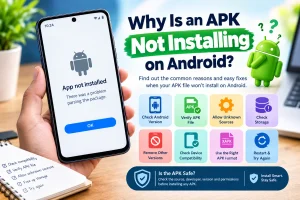
There can be several reasons for this. The APK may not support your Android version, the file may be damaged, your phone may not have enough storage, or Android may be blocking installation from the source.
Table of Contents
Check If Your Phone Supports the APK
One of the first things to check is your Android version. Some apps require a newer version of Android, so an APK may not install if your phone is running an older system.
Check the APK's requirements and compare them with your phone's Android version. If they do not match, you may need a compatible version of the app. You can also follow this guidelines to install APK on your mobile phone.
Make Sure the APK File Is Complete
A damaged or incomplete APK file can cause installation problems. This can happen if the download was interrupted or the file did not download properly.
Try downloading the APK again and make sure the download finishes completely. If possible, use a reliable source and check that the file size looks correct before opening it.
Allow Installation From Unknown Sources
Android can block an APK when the browser or file manager does not have permission to install apps.
Go to Settings > Apps > Special app access > Install unknown apps, select the browser or file manager you used, and turn on Allow from this source. The exact menu may be different on some Android phones.
Check Your Phone's Storage
Low storage can also prevent an APK from installing. Even if the APK file itself is small, the app may need additional space during installation. Open your phone's storage settings and check how much free space is available. If your storage is almost full, remove files or apps you no longer need and try again.
Another Version of the App Is Already Installed
If another version of the same app is already on your phone, Android may not install the new APK because the versions or app signatures do not match.
Check whether the existing app is an older or different version. If you decide to uninstall it before installing the new APK, remember that this may remove the app's stored data.
The APK May Not Match Your Device
Not every APK works on every Android device. Some apps are built for specific device types, Android versions, or processor architectures. If the APK is not compatible with your phone, look for a version that supports your device. Avoid installing random versions just because they have a similar name.
Check the APK File Type
Make sure you are dealing with a normal APK file. Some apps are distributed in formats such as XAPK, APKM, or APKS, which may require a compatible installer instead of opening directly like a standard APK.
Restart Your Phone
A simple restart can sometimes solve temporary installation problems. Android may have a background process or system issue that is preventing the installation from completing. Restart your phone, wait for it to fully load, and then try opening the APK again.
Clear Space and Try Again
If you have checked the APK and your phone is compatible but the installation still fails, free up some storage and download the file again. After that, restart your phone and try the installation once more. This may help if the original download was incomplete or your phone was low on storage.
Is the APK Safe to Install?
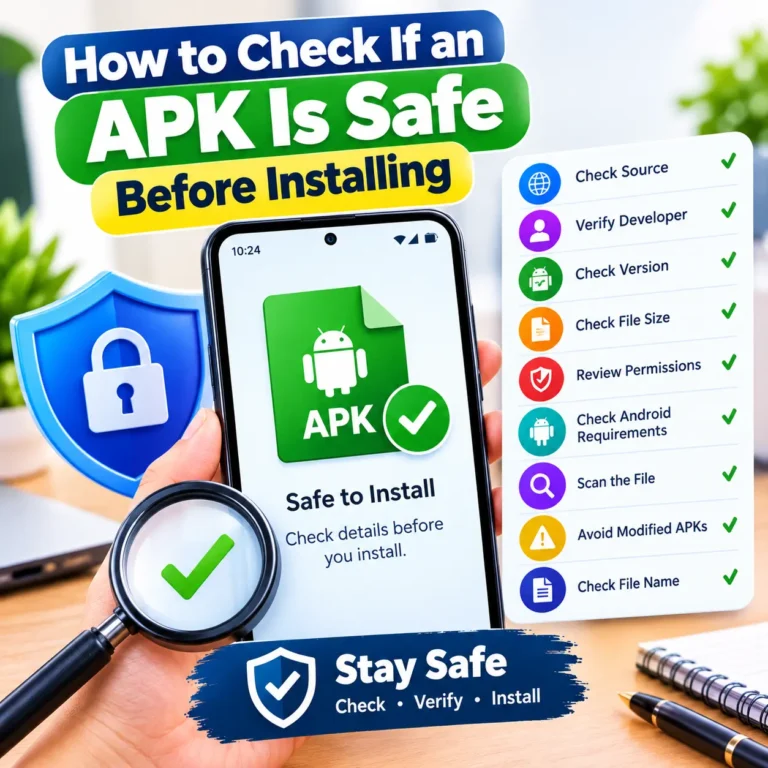
An installation problem does not necessarily mean that an APK is unsafe. However, you should always check the source before installing an APK from outside the Google Play Store.
Check the developer, app name, version, permissions, and download source. Avoid files that come from suspicious websites or do not match the app you intended to download.
Common APK Installation Errors
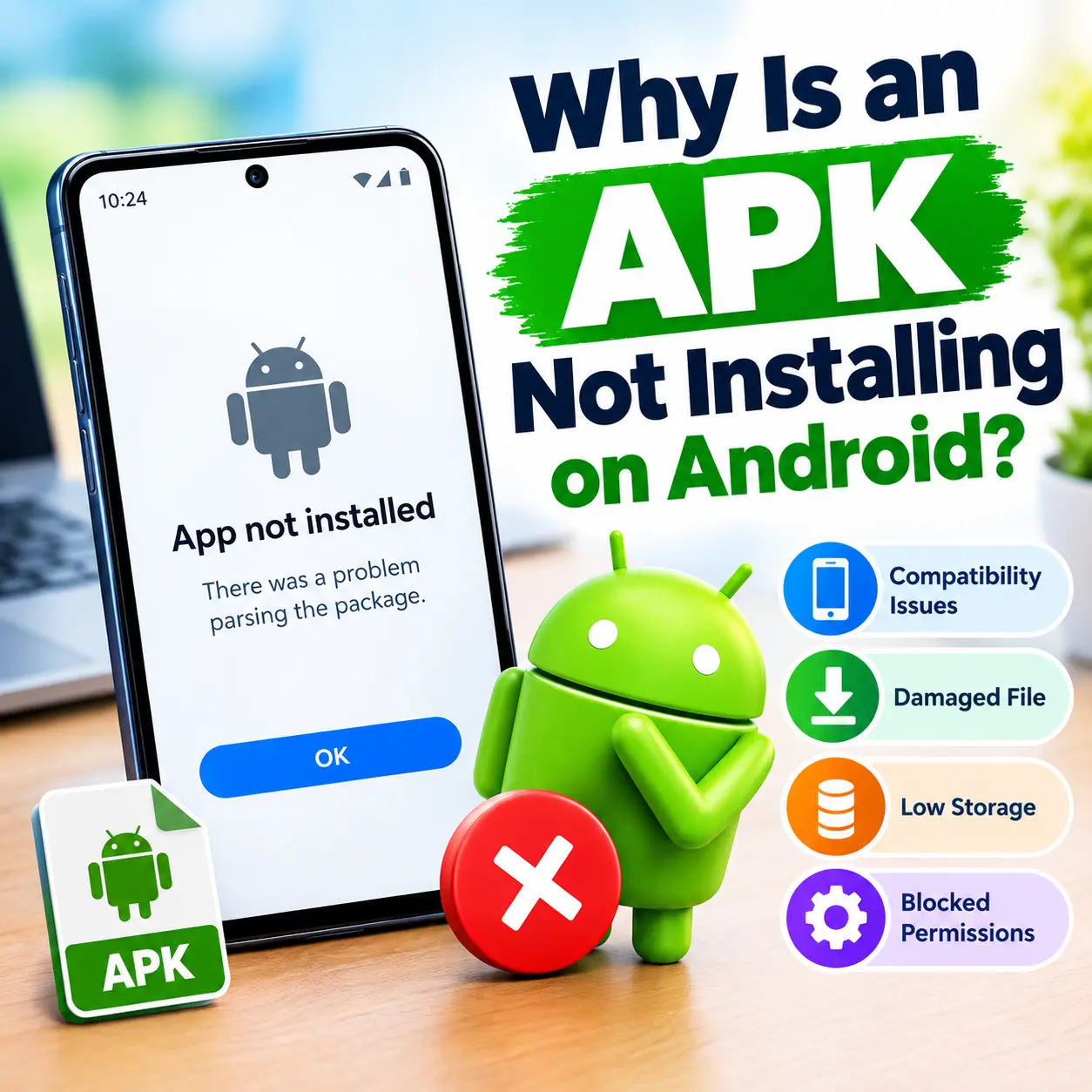
Different Android versions can show different error messages. Some common problems include App not installed, There was a problem parsing the package, or messages saying that the app is not compatible with your device.
The right fix depends on the error you see on your phone. Check your Android version, APK format, available storage, and whether another version of the app is already installed.
When You Should Download the APK Again
If the APK keeps failing to install, the file itself may be the problem. Delete the current file and download a fresh copy from a source you trust. Before trying again, check the file name, version, size, and Android requirements. This can help you avoid downloading the wrong version.
Final Thoughts
An APK may not install because of compatibility issues, a damaged file, limited storage, blocked installation permissions, or another version of the app already being installed. Start with the simple checks first. Confirm your Android version, check storage, allow installation from the correct source, and make sure the APK file is compatible with your device.

Ahsan Malik
Ahsan Malik is a dedicated content writer at APKFreeGames.pk, where he covers Android games, APK files, gaming apps, and the latest mobile gaming trends. He focuses on creating clear, simple, and useful content that helps readers understand game features, installation steps, updates, and important information before downloading an APK. With a reader-first approach and attention to accuracy, Ahsan aims to provide reliable and easy-to-understand gaming guides that add real value to the user experience.