How to Check If an APK Is Safe Before Installing
Downloading an APK can be useful when an app is not available on the Google Play Store or when you need a specific version. But before installing one, it is worth taking a few minutes to check the file and its source.
Not every APK you find online comes from the original developer. Checking a few basic details can help you decide whether an APK is worth installing.
Table of Contents
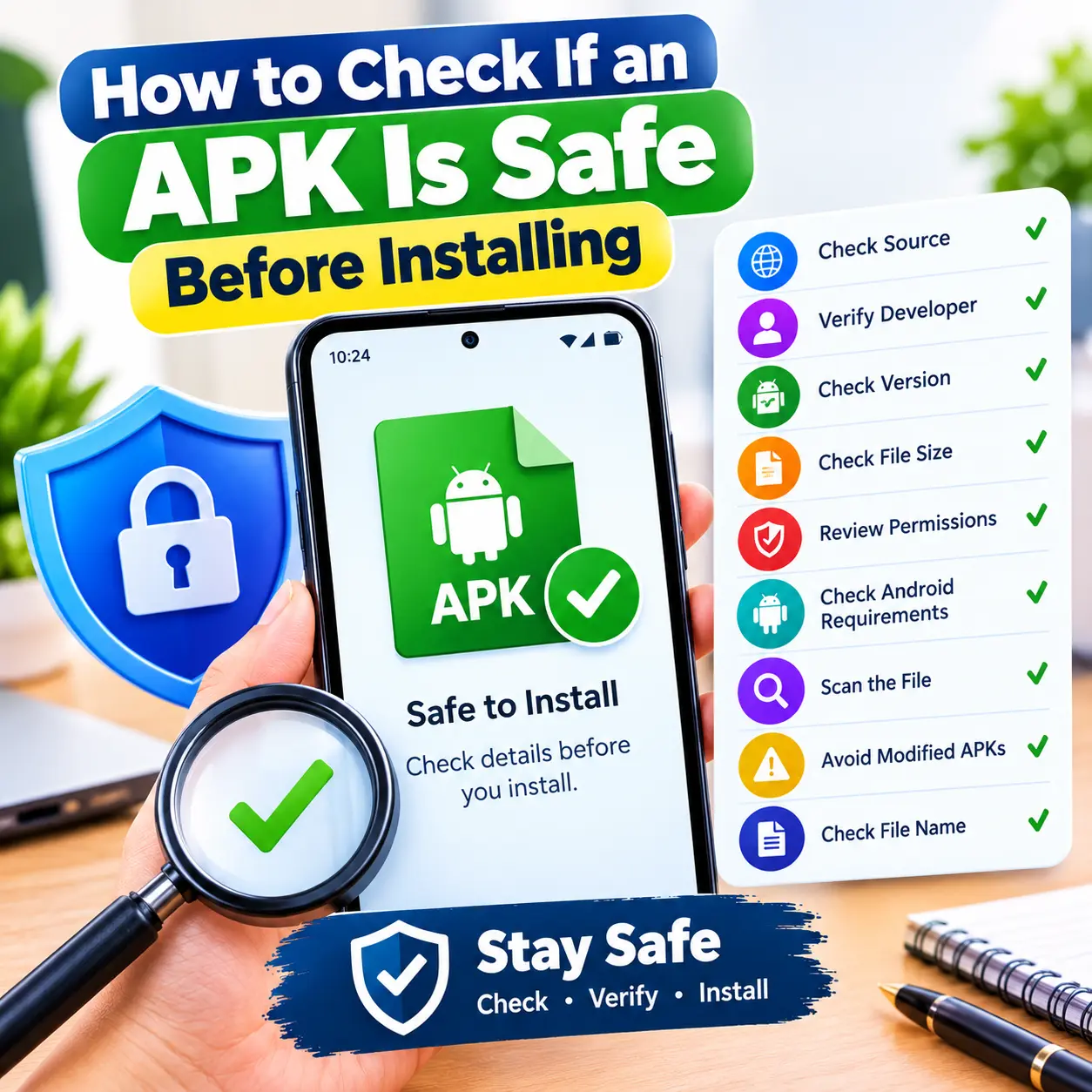
Check the APK Source
Start by looking at the website where you found the APK. A website with clear app information, developer details, version information, and a proper download page is easier to evaluate than a page full of random download buttons.
Be careful with websites that show excessive popups, misleading buttons, or files that do not match the app you are trying to download. You can also check why APK are now installing on you android phone.
Check the Developer Name
The developer name can help you identify whether the APK belongs to the app you are looking for.
Compare the developer name with the official app or developer information when it is available. If the APK claims to be from a well-known developer but shows a completely different developer name, check the file carefully before installing it.
Check the App Version
Look at the version number before downloading the APK. If the website provides an extremely old version or the version information does not match the app details, verify it before continuing. Checking the version can also help you avoid downloading an APK that is not suitable for your Android device.
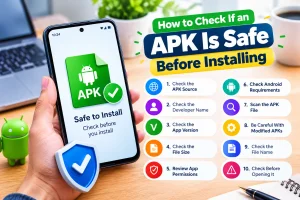
Check the APK File Size
File size is another useful detail to check. The size can vary between different versions of an app, so it does not prove by itself that an APK is safe. However, if the file size is very different from the information provided by the developer or another trusted source, it is worth checking the file again before installing it.
Review App Permissions
Android apps may request access to different features on your phone, such as storage, camera, microphone, contacts, or location. Before installing an APK, think about whether the requested permissions make sense for what the app does. Be more careful when an app requests sensitive access that does not appear necessary for its main purpose.
Check the Android Requirements
Make sure the APK supports your phone's Android version. An app may not work correctly if it requires a newer Android version than the one installed on your device. Checking the requirements before installation can also help you avoid downloading an APK that your phone cannot use.
Scan the APK File
You can scan a downloaded APK with a trusted security or antivirus tool before opening it. This gives you another way to check the file for known threats.
A scan is useful, but it should not be your only check. The source, developer, app information, and requested permissions are also important.
Be Careful With Modified APKs
You may find APKs described as MOD APK, unlocked, premium, or free versions. These files may have been changed from the original app.
Because you may not know what has been changed, be careful when downloading modified APKs. If you only need the regular version of an app, the original release is easier to verify.
Check the File Name
Before opening an APK, look at its file name. It should match the app you intended to download and should not contain strange or unrelated names.
A misleading file name does not automatically mean that a file is dangerous, but it is a reason to stop and check the download before opening it.
Check the APK Before Opening It
Before you tap the APK file, take a moment to check its basic details. Make sure the app name, developer, version, file size, and Android requirements match the information provided on the download page.
If something looks unusual or the information does not match, do not rush to install the file. Check the source again and look for more information about the app.
What to Do If You Are Not Sure About an APK
If you cannot verify where an APK came from or who developed it, it is better to stop and check the information before installing it. Look for the official developer information, compare the app details, scan the file, and make sure the permissions and Android requirements make sense.
Final Thoughts
Checking an APK before installation does not need to be complicated. Start with the download source, developer name, version, file size, Android requirements, and app permissions. For an extra check, scan the file with a trusted security tool before opening it. If something about the APK does not look right or you cannot verify its source, avoid installing it until you have more information.

Ahsan Malik
Ahsan Malik is a dedicated content writer at APKFreeGames.pk, where he covers Android games, APK files, gaming apps, and the latest mobile gaming trends. He focuses on creating clear, simple, and useful content that helps readers understand game features, installation steps, updates, and important information before downloading an APK. With a reader-first approach and attention to accuracy, Ahsan aims to provide reliable and easy-to-understand gaming guides that add real value to the user experience.